


You know that moment when you’re digging through a closet, and your hand brushes against something warm?
Not “room temperature” warm. Weirdly, unnervingly warm.
That was my 2012 external hard drive last August. It was in a cardboard box in my spare bedroom closet, under a pile of winter coats. We’d just had a brutal four-day heatwave, and my apartment’s second bedroom—which faces west—had turned into a sauna. I’d completely forgotten the hard drive was in there.
I pulled it out, and my stomach dropped. It felt… alive. Wrong. I plugged it in with this stupid hope, you know? Like maybe it would be fine. It made this clicking sound—click-click-whirrr, click-click-whirrr—a sound I now know is the death rattle of a hard drive. Five years of photos from when my kids were little. Gone. Poof.
I sat on the floor of that hot room and actually cried. Not a lot, but enough to feel like an idiot. I’d backed everything up! I was so responsible! And then I stored the only copy in the dumbest place imaginable.
That stupid plastic box full of dead memories cost me about $1,800 in data recovery services. They got about 70% of it back. The guy at the recovery place, a guy named Mark with incredible patience, changed how I think about this stuff forever. He didn’t sell storage units. He just looked at my hard drive, then at me, and said: “You baked it. These things aren’t garden tools. They’re like photo albums that can melt.”
Here’s what Mark taught me, and what I do now
Forget the “professional tips.” Let’s talk real life.
1. Your house is trying to kill your backups
Seriously. Think about it:
- The attic: It’s an oven. In the summer, it can be 40+ degrees hotter than the rest of your house. Your hard drives are basically cookies in there, slowly baking.
- The basement or garage: Damp. Musty. That humidity you feel on your skin? That’s microscopic water getting into every connector, every circuit board, inviting rust to a party on your precious data.
- The closet by the outside wall: If you live anywhere with seasons, that wall is cold in winter, hot in summer. Your gear is sitting in a mini-version of the outside climate.
- Under the bed: Dust bunnies the size of actual rabbits. Dust is fine powder that grinds away at moving parts and clogs vents.
2. The 30-minute “save your own butt” prep session
Don’t make it complicated.
- Find all the orphans. Gather every old laptop, external drive, camera, and that box of tangled cables from the last decade. Put it all on the kitchen table.
- The “two-copy” rule: Before you store ANY drive, ask yourself: “Is this the ONLY copy?” If the answer is yes, stop. Right now. Plug it in and copy the most important stuff—the photos, the documents you can’t replace—onto something else. Use a cloud service (Google Drive, iCloud, Dropbox are all fine) or buy a new portable SSD. Do not store the only copy. Just don’t.
- Batteries are drama queens. For anything with a battery (old iPhone, laptop, camera), don’t store it full or empty. Charge it to about half. A full battery left in the heat is a stress case. A dead battery will just give up on life. Write on a piece of masking tape “CHECK BATTERY DEC 2024” and stick it on the device.
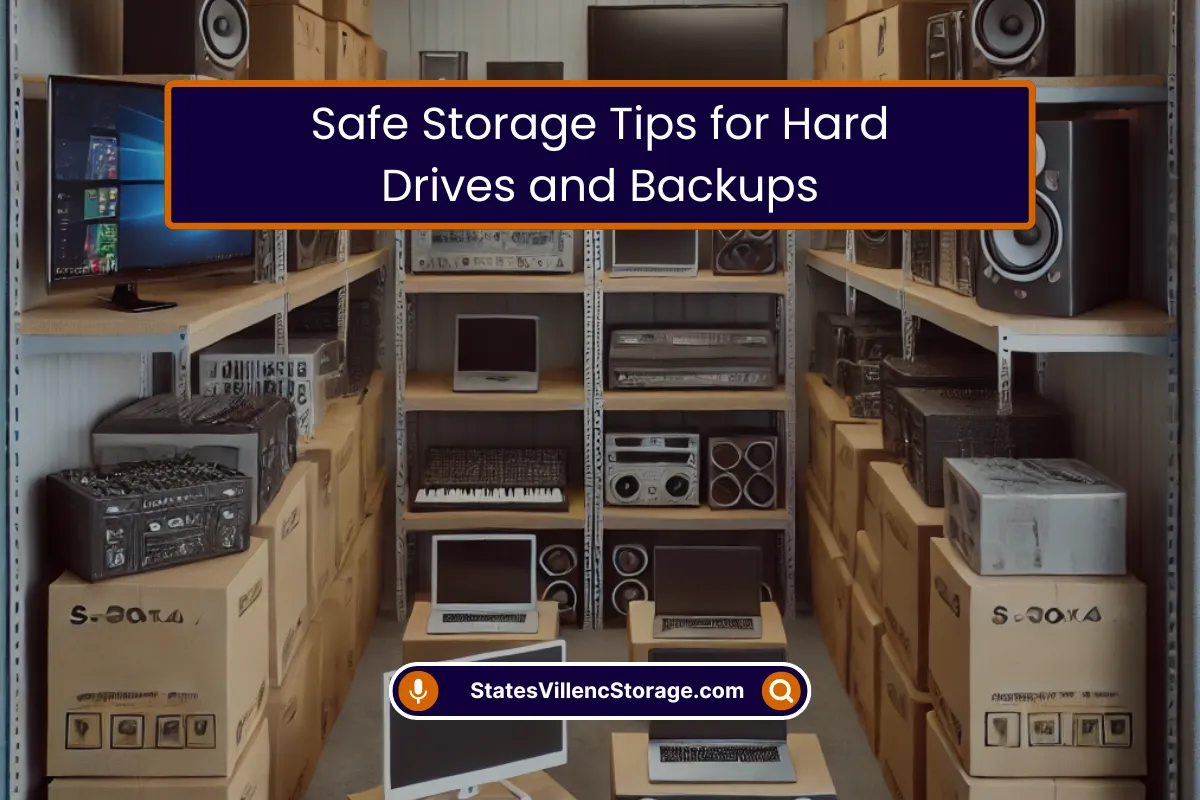
- Pack it like you’re going to move. Don’t just chuck it in a flimsy Amazon box. Use a solid plastic bin with a lid that snaps shut. Why plastic? Mice can’t chew through it as easily, and it keeps moisture out better. Wrap each item in a t-shirt or dish towel. It’s not fancy, but it works.
3. The game-changer: getting it out of your house
This was the hardest leap for me. I felt like I needed my stuff close. But my house, my apartment, my garage… they’re all terrible environments. I was keeping my priceless photos in conditions I wouldn’t keep a good loaf of bread.
I started looking for a solution. I needed a place that was:
- Consistently cool and dry (not a sauna, not a swamp).
- Clean (no dust snowstorms).
- Secure (so I could stop worrying).
- Accessible (so when I needed my 2013 tax files, I could get them without a hassle).
I tried a friend’s basement. Still damp. I looked into bank safe deposit boxes—too small, and weird hours. Then I finally bit the bullet and rented a small, climate-controlled storage unit. I’ll be honest, I felt a little silly at first. “I’m paying monthly for my junk?”
But it’s not junk. It’s my digital life. My old journals are on that laptop from college. The raw video from my wedding is on those drives. That’s not junk. That’s my story.
Now, my blue plastic bin lives in a 5×5 space that’s always 68 degrees and dry as a bone. I can go get anything I need, any day of the week. The peace of mind is, cliché as it sounds, priceless. I’m not just shilling for our business here—I’m telling you what finally worked for me after a very expensive, very tearful mistake. Sometimes the best thing you can do for your treasures is to get them out of your own house and into a place built to protect them.
Don’t be like old me. Don’t learn this because you heard the click-click-whirrr. Learn it because some guy on the internet told you his sad story. Get your backups out of the closet. Your future self, the one who wants to see those old pictures, will buy you a beer in thanks.







0 Comments